Turn a Photo Into a GTA 6 Loading Screen
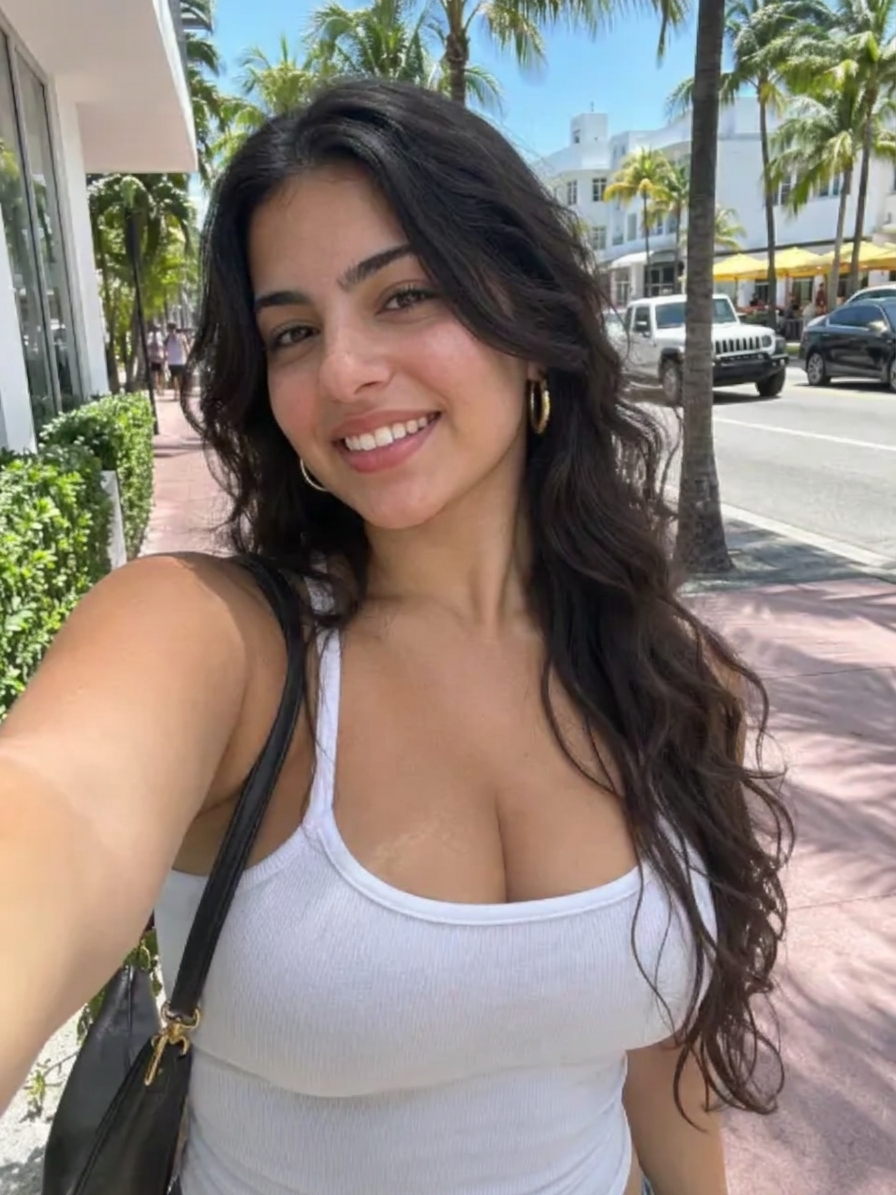
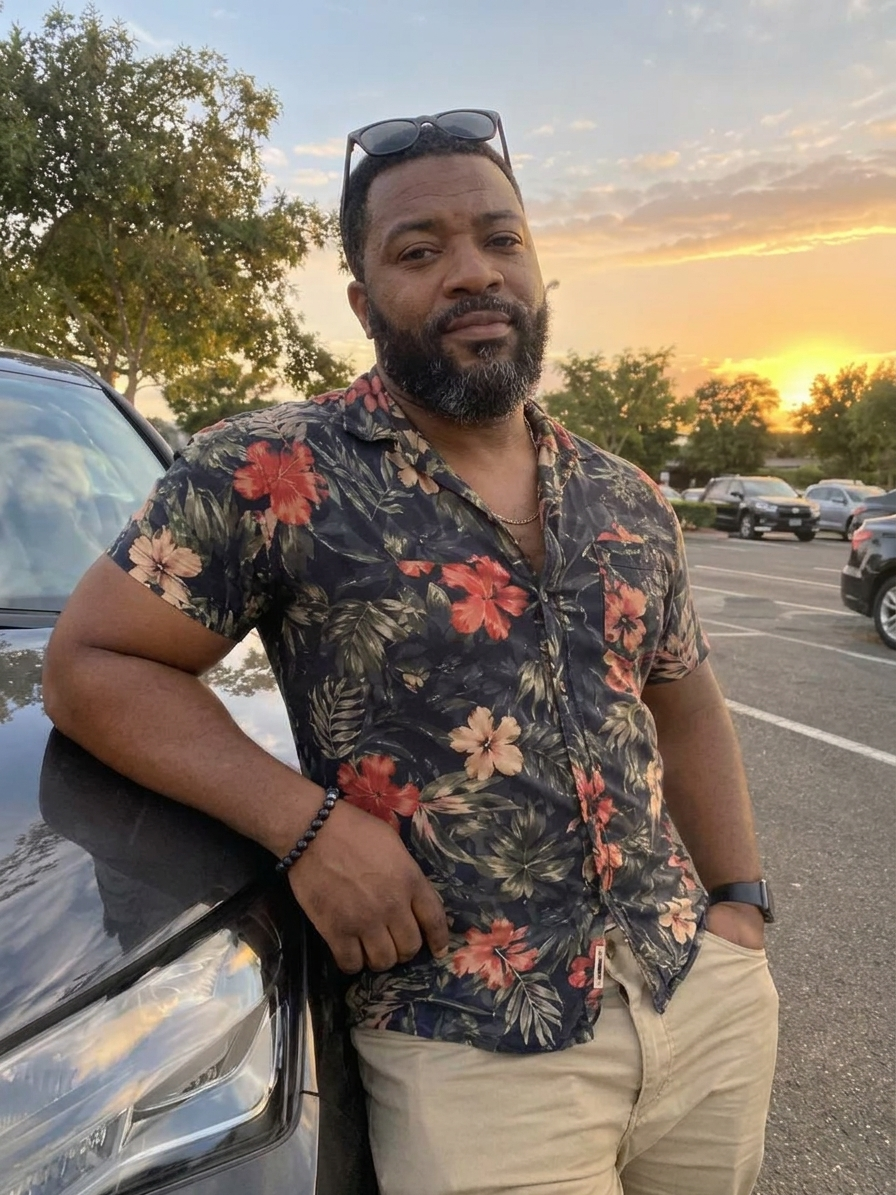
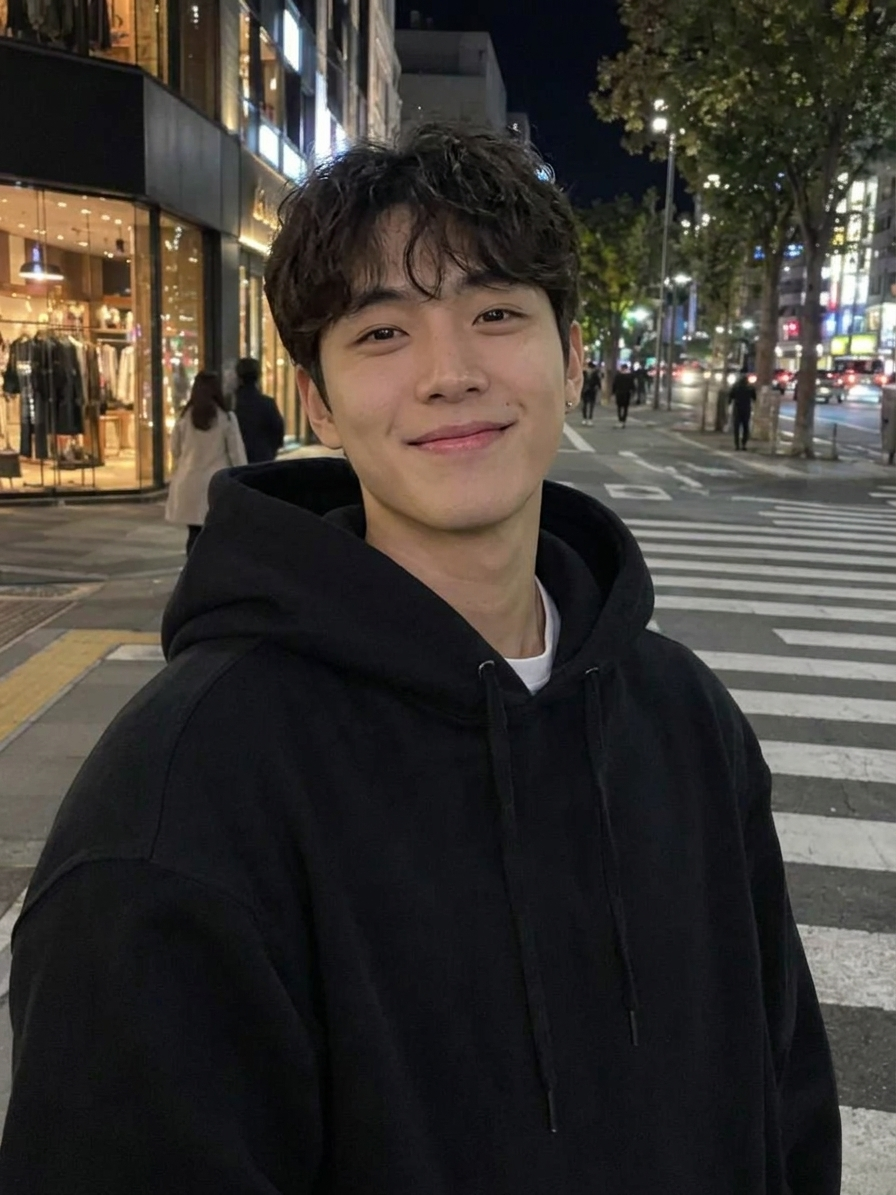
GTA VI hasn't shipped its loading screens yet, but the aesthetic everyone expects from it is already fixed: semi-realistic hand-painted key art, Vice City pastels, muscle cars, palm-lined boulevards, and a sunset that runs from coral into magenta. The GTA 6 filter on this page applies that art direction to your photo. You upload one picture, pick one of four preset scenes, and the model redraws you as the character in it — face and outfit preserved, everything else repainted.
This is a generative illustration, not a photo filter. Nothing is overlaid on your pixels; the model redraws the whole frame in a painted style and rebuilds the scene around you. That is what makes the result look like key art instead of an Instagram effect, and it is also why you should review the face at full size before posting it.
The Four Presets
Each preset is a complete art-direction prompt — pose, car, location, lighting, palette, and rendering style — not a one-line style tag. That is what keeps the scene consistent between generations.
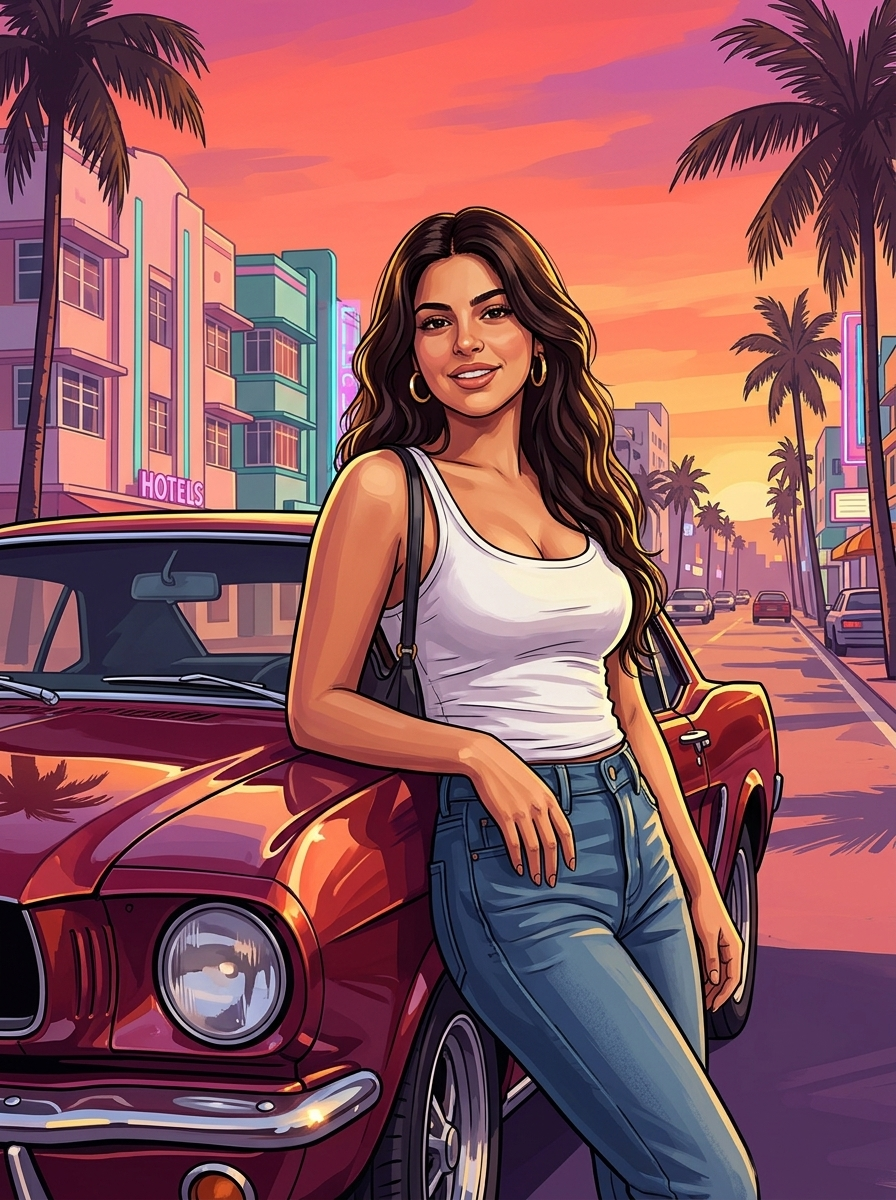
- Loading Screen — the classic poster. You lean against a deep-red vintage muscle car on a palm-lined coastal boulevard, pastel Art Deco buildings behind you, chrome headlights in the foreground, a low golden sun in a coral-to-magenta sky. Mid-thigh-up framing, three-quarter pose.
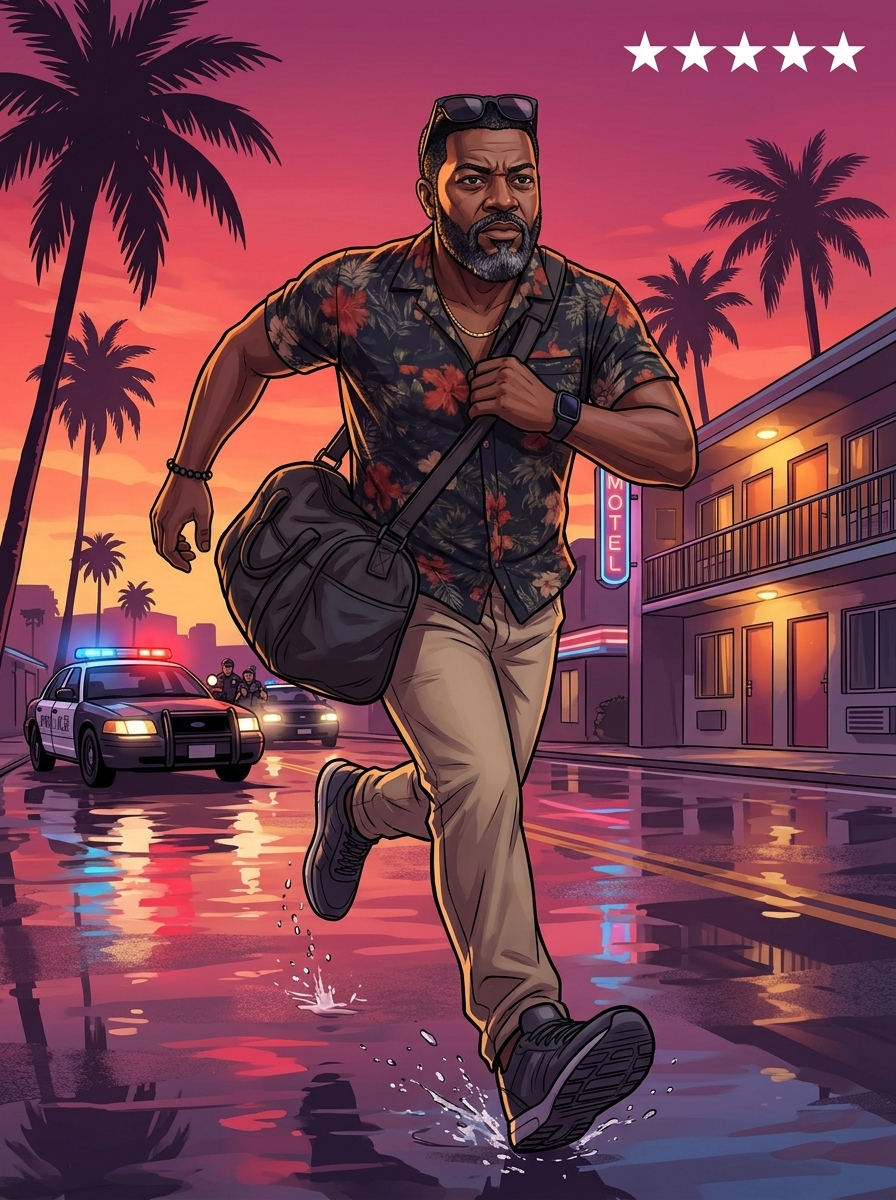
- 5-Star Wanted — full-body action. A low street-level camera, you running toward the viewer with a duffel bag at your hip, a police cruiser with flashing red and blue lights behind you, a roadside motel with warm balcony lights, and exactly five white stars in a row in the upper corner. Speed comes from the stride and splashing water, not from blurring your face.
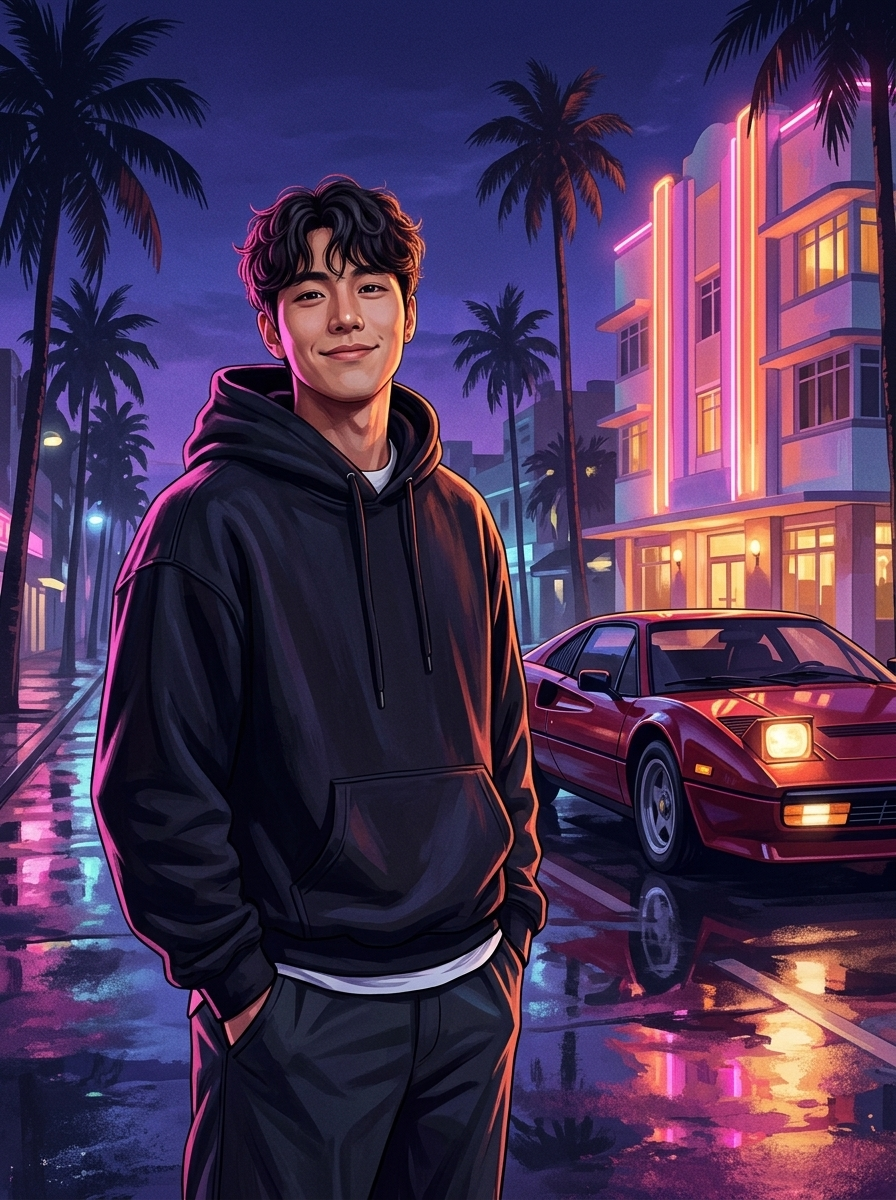
- Vice City Neon — neon-noir night. A pastel Art Deco hotel with hot-pink neon tubes, a red 1980s wedge-shaped sports car with warm headlights, wet asphalt throwing long pink and amber reflections, hot-pink rim light on your hair and shoulders. Rendered closer to photorealistic than the other presets.
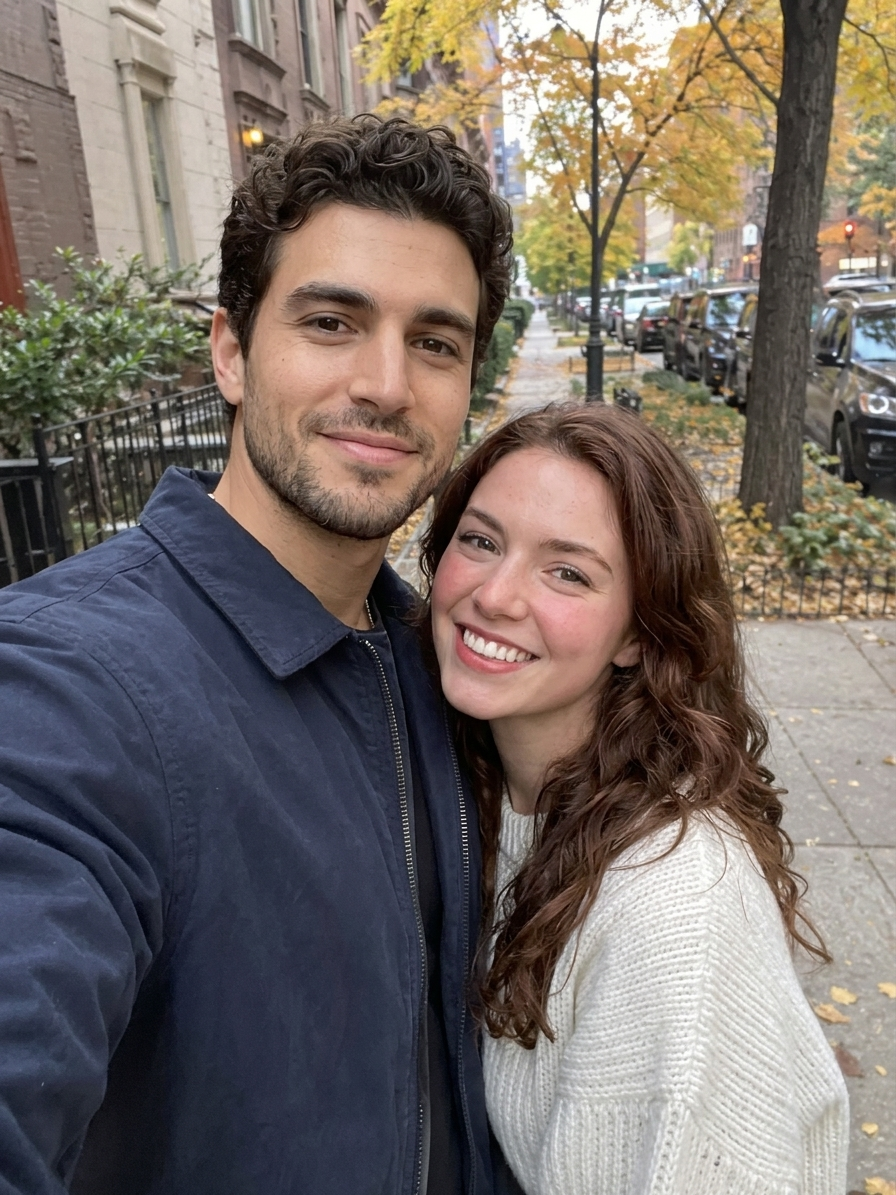
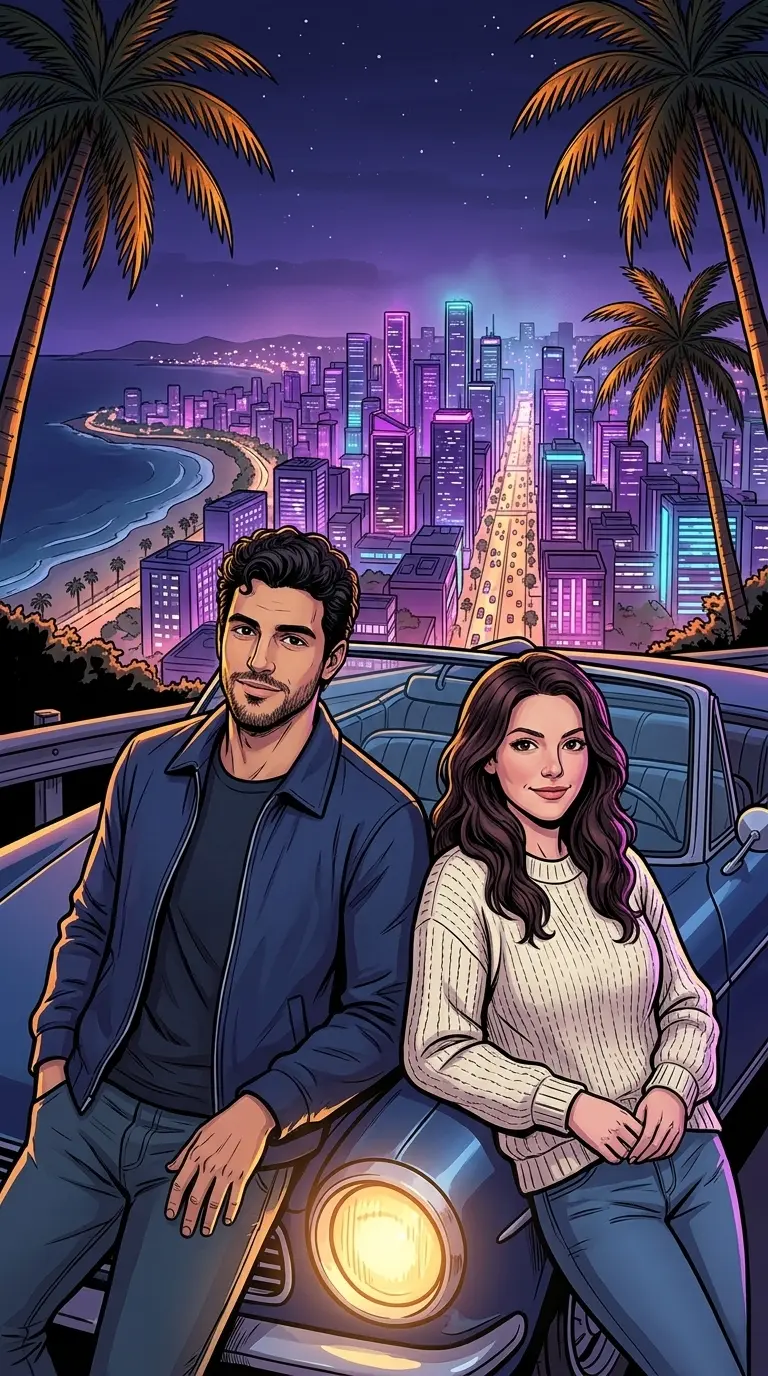
- Couple Cover Art — for two people. Both of you lean against a vintage dark-blue convertible at a hillside overlook at night, a neon coastal city and curving coastline stretching to the horizon, palm trees framing the sky. Hand-drawn comic style with bold ink outlines and clean cel shading.
How the Filter Keeps You Recognizable
Every preset uses your uploaded photo as the only identity reference. The prompts instruct the model to preserve facial structure, skin tone, hairstyle, natural proportions, and the colors, patterns, and accessories of your visible outfit — and, when the photo is cropped, to complete the unseen clothing with simple pieces that match what is visible.
What does not survive the filter: your original background, your original pose, and the photographic texture of the image. A selfie arm is replaced with a natural resting pose; a parking lot becomes a Vice City boulevard; skin becomes painted skin texture. If you want the opposite — an edit that keeps your real photo and changes only small details — that is a different tool: the AI pose changer works within your existing photo instead of redrawing it.
Tips for a Better GTA 6 Filter Result
Choose a Photo With a Clear Face
The illustration's likeness ceiling is set by your reference. A well-lit, front-facing photo with the face unobstructed gives the model the most to work with. Sunglasses pushed up on the head, a hat, or heavy shadows all force the model to guess, and guesses drift.
Check the Face First, Scene Second
Likeness is the failure mode to watch. After generating, compare the face with your original at 100% zoom: jaw shape, eyes, and proportions are where a stylized redraw most often drifts. The scene either matches the preset's description or the generation is simply off — either way, regenerate rather than settling for a face that is almost yours.
One Art Direction per Generation
Each preset is tuned as a complete scene. Mixing instructions — adding stars to the Loading Screen, or daylight to Vice City Neon — fights the preset's palette and composition, and the result usually lands between two styles instead of committing to one. If you want a different scene, switch presets.
Mind the Output Format
Every generation outputs one full-bleed vertical 3:4 image with no text, logo, watermark, loading bar, or HUD. That aspect ratio is chosen for phone wallpapers and profile pictures. If your source is a wide landscape photo, the person will be recomposed into the vertical frame — expect the scene to fill the sides.
What the GTA 6 Filter Cannot Do
It cannot produce an official Rockstar asset. The output is a fan-style illustration inspired by GTA VI's publicly discussed aesthetic; it is not affiliated with, endorsed by, or sourced from Rockstar Games, and no game logos, HUD elements, or loading bars are generated. Use the results as personal art — profile pictures, wallpapers, social posts — and think carefully before putting "GTA 6" branding on anything commercial.
It also cannot guarantee a perfect likeness on every pass. Stylization moves faces — that is inherent to the look. Strong likenesses come from good references and regenerating when a face comes out wrong, not from prompt tricks. And for two-person photos, the Couple Cover Art preset handles a couple well, but a photo with four or more faces will drift more on every one of them.
More Ways to Restyle Your Photos
The GTA 6 filter redraws you into a fictional scene; these tools edit the photo you already have. Fix a stiff stance with the pose changer, add a companion with the pet adder, make an AI-generated portrait read as a real photo with the image humanizer, or sharpen a soft face with the face unblurring tool.