What Makes an AI Image Look Rendered
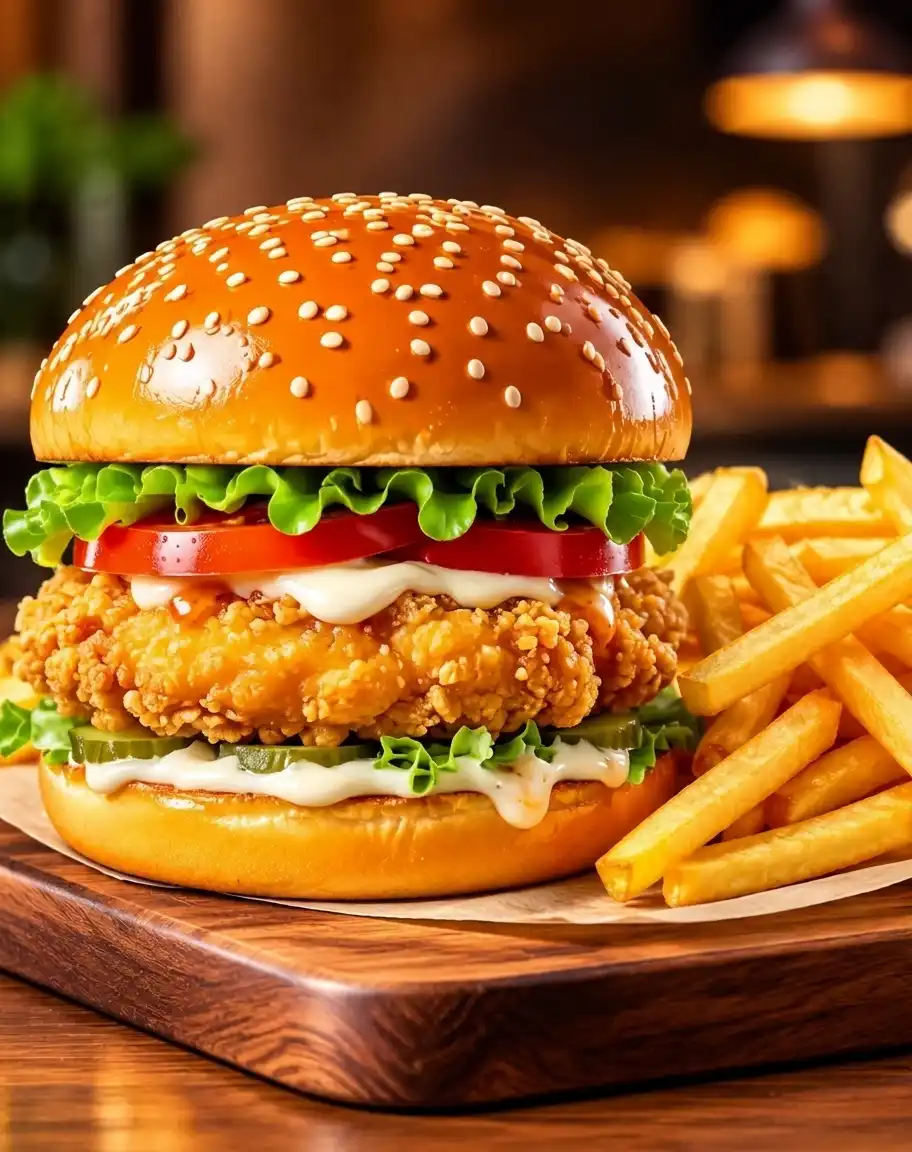
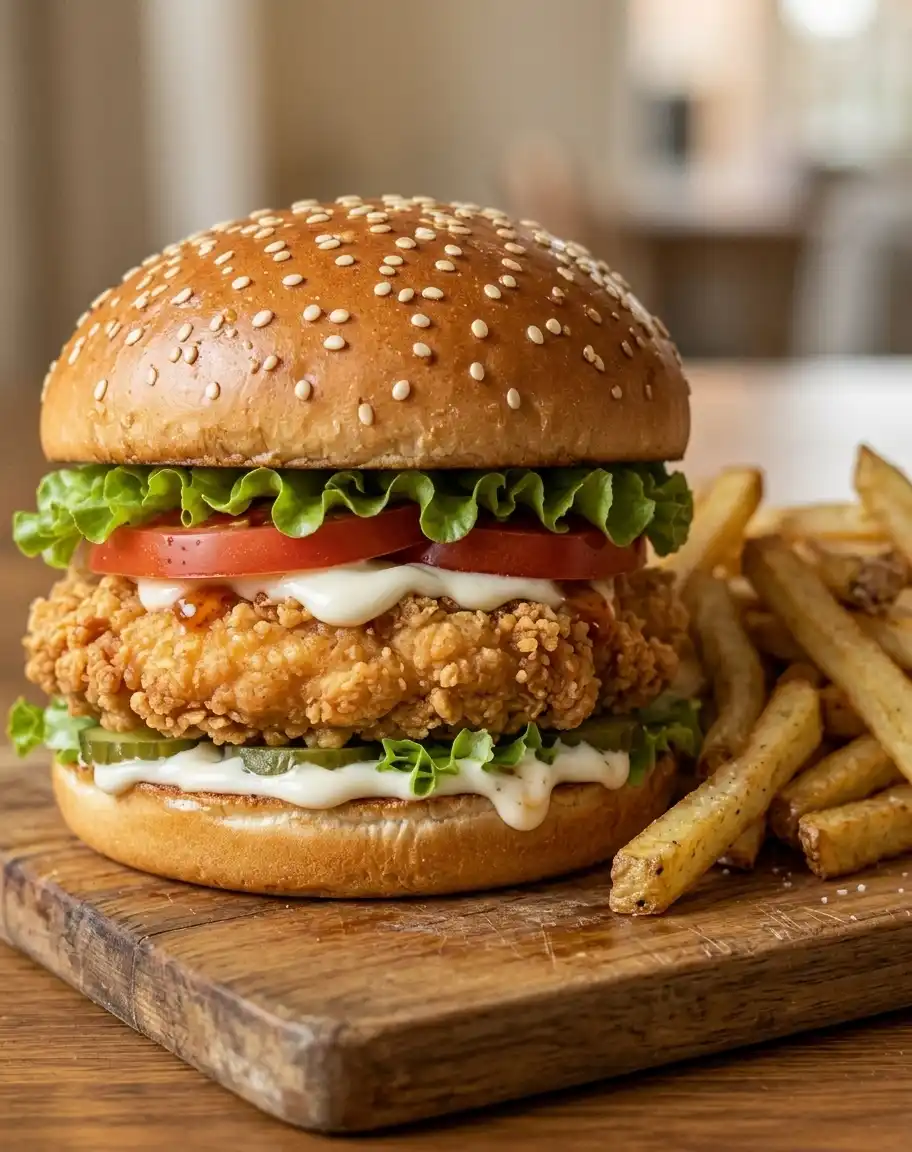
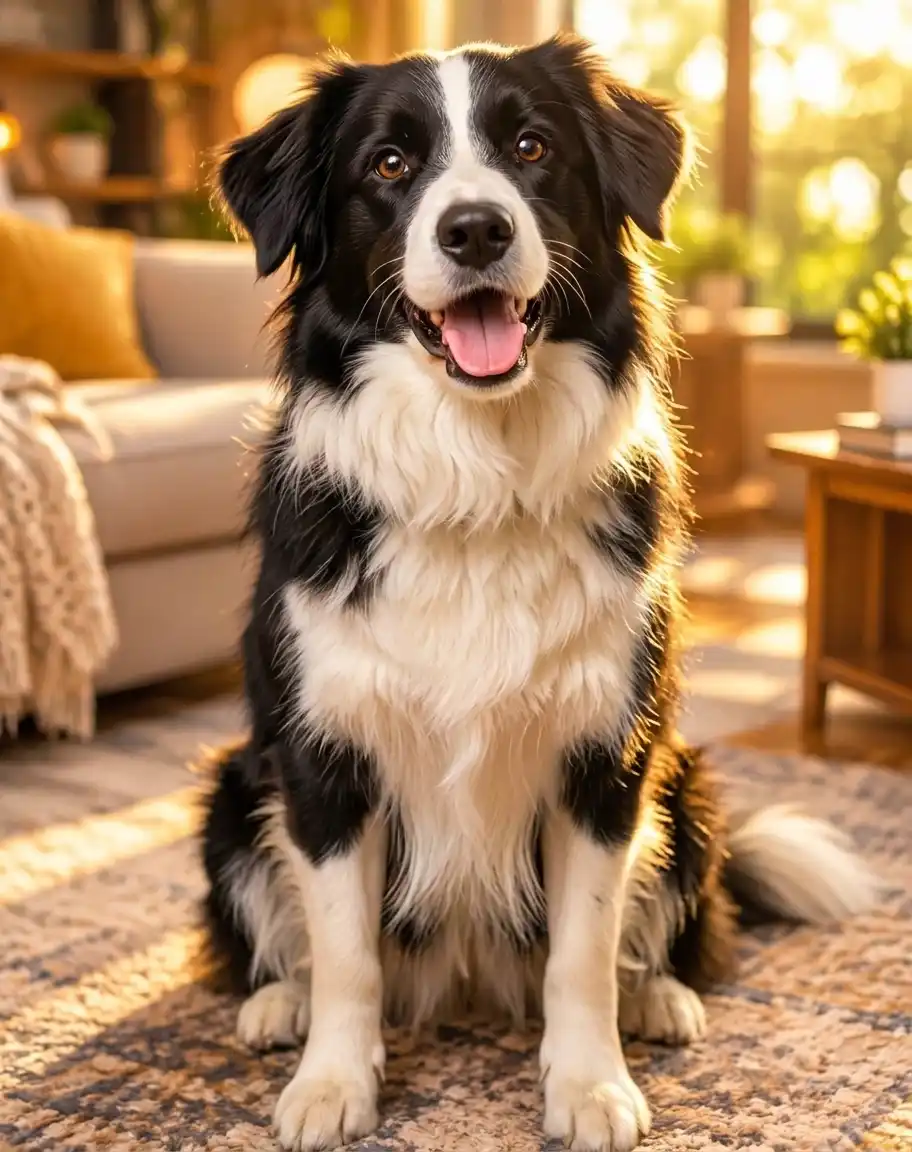
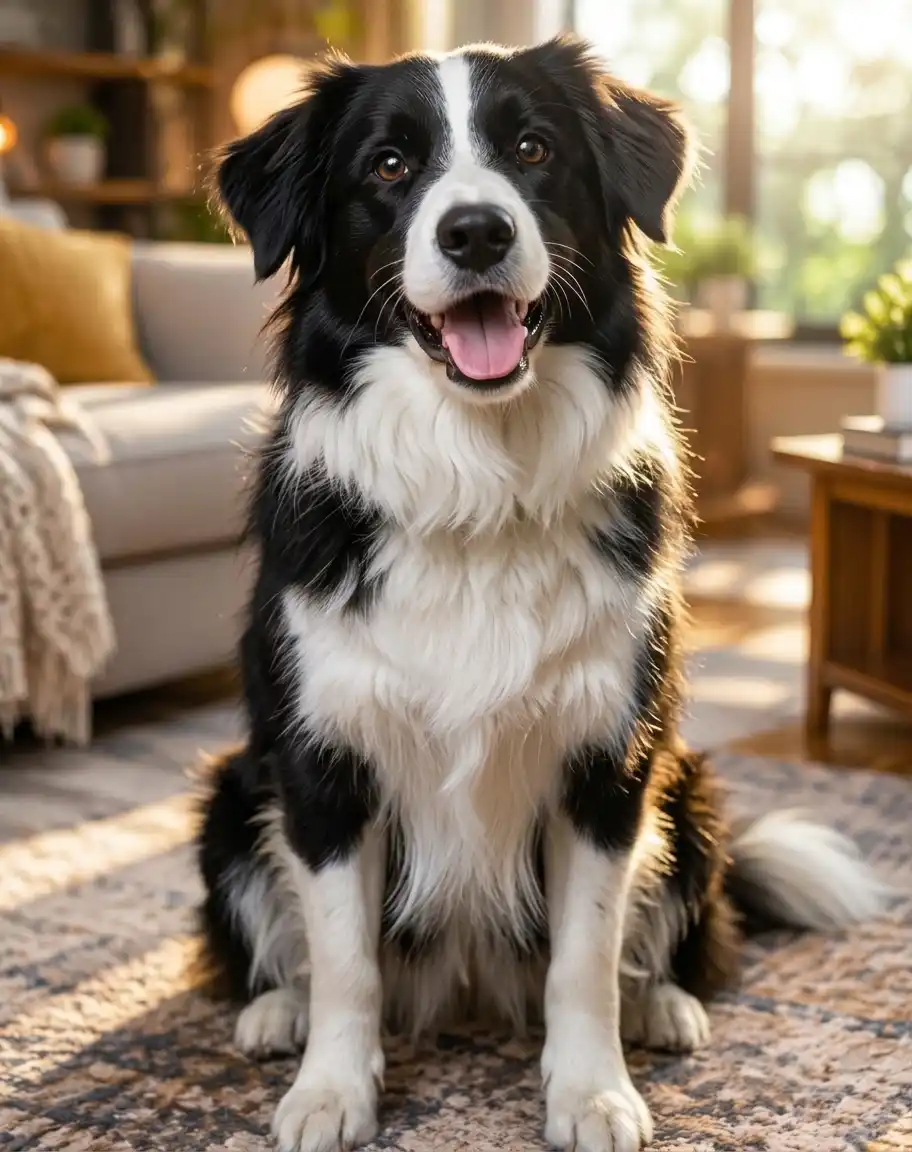
Where a portrait gives itself away through skin and gloss, scene-oriented AI images read as CGI through a different set of tells. Naming them makes the edit easier to target.
Even, Directionless Lighting
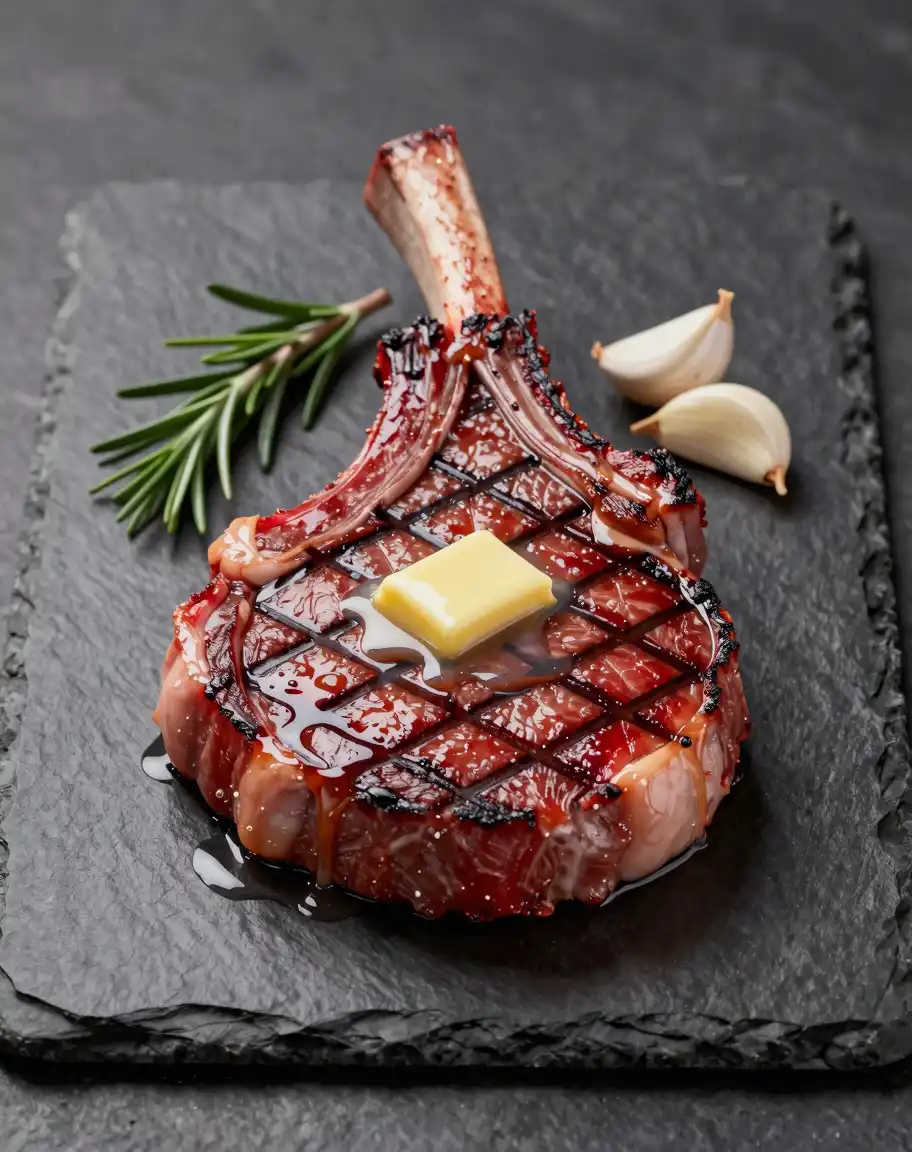
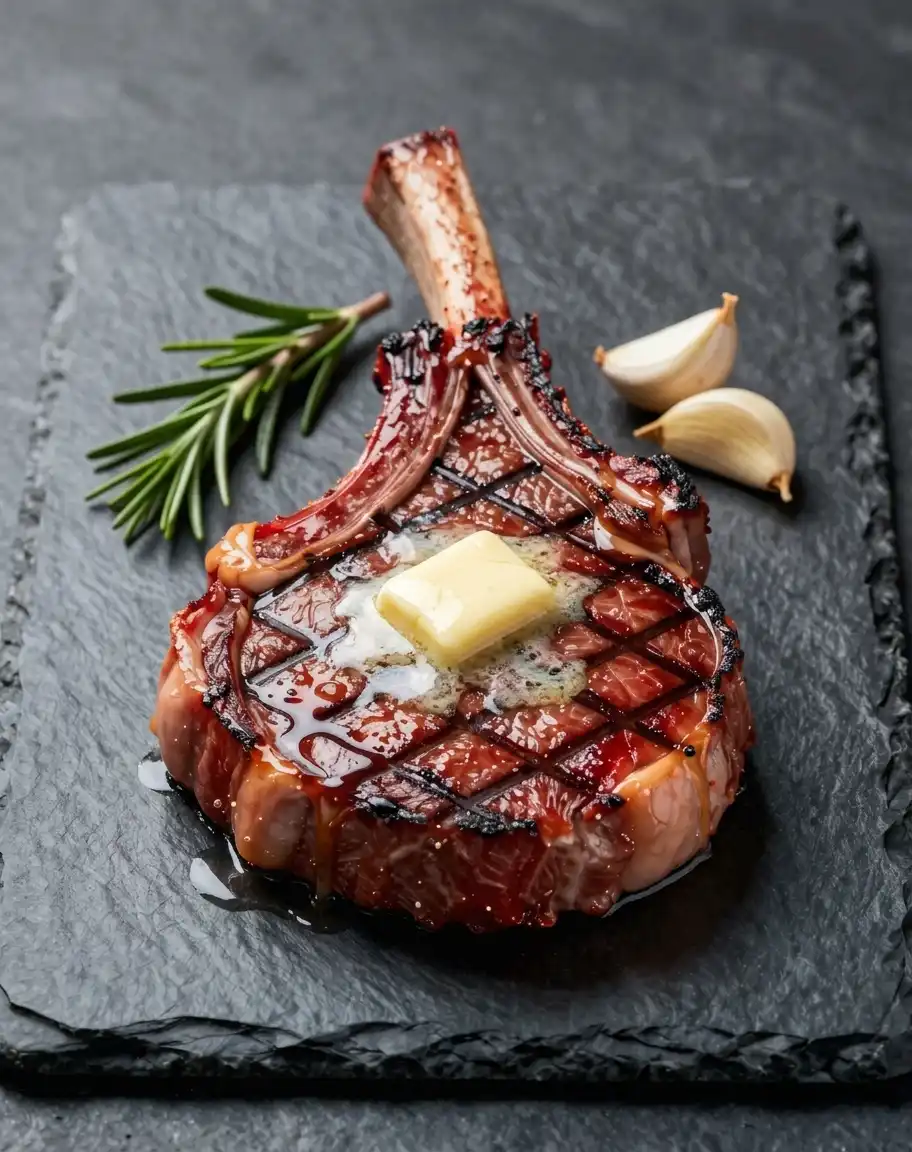
Renders are lit from everywhere at once. Shadows are faint, soft-edged, or inconsistent with any single light source, and highlights appear where no lamp or window could explain them. Photographs have a light direction, and viewers sense its absence even when they cannot name it.
Painted-Looking Materials
Surfaces in rendered images are uniform: skin without texture, walls without wear, fabric without weave, foliage repeated in clumps. Real materials scatter light unevenly and pick up dirt, wrinkles, and variation, which is much of what makes a photo look real.
Too-Perfect Geometry
Edges, proportions, and alignments in renders stay suspiciously clean. Rooms are perfectly symmetrical, products float at exact angles, and nothing is slightly crooked. Real scenes contain small imperfections everywhere you look.
No Sense of Depth
Renders tend to stay sharp from foreground to background. Photos have a focal plane: near subjects crisp, backgrounds softening with distance. An image without that falloff reads as a computer scene, not a moment a camera captured.
Tips for Making an AI Image Look Realistic
- Start from the original export, not a screenshot, so the edit works from full detail.
- Match the edit to the symptom you actually see: CG lighting, painted surfaces, perfect geometry, or missing depth.
- Change one thing per pass. Stacking repeated generative edits can introduce new distortions instead of fixing the first one.
- Subtle renders convert well; heavy illustrations and cartoons need big changes, and details may shift along the way.
- Check faces and text especially closely. Realism edits can change facial proportions and letterforms while improving the overall scene.
- Keep the original file. If a pass overshoots, start over rather than editing the edited version.
What Making an Image Realistic Cannot Do
The result is still generated by an AI model, so it will not pass AI detectors, and you should follow any disclosure requirements for the platform where you publish it. Added texture and lighting are generated detail, not recovered photographic information. On strongly stylized sources, the move toward realism can shift colors, small objects, and facial identity, so compare the result with your original before using it.
If your image is a portrait whose problem is glossy skin or plastic texture rather than an overall render look, the AI look remover targets those portrait tells directly. For preset-driven edits organized by skin, lighting, and materials, the AI Image Humanizer covers the same goal from a different angle. And if a face in the result came out soft, the face unblurring tool can sharpen it.