Change Pose in a Photo Without a Reshoot
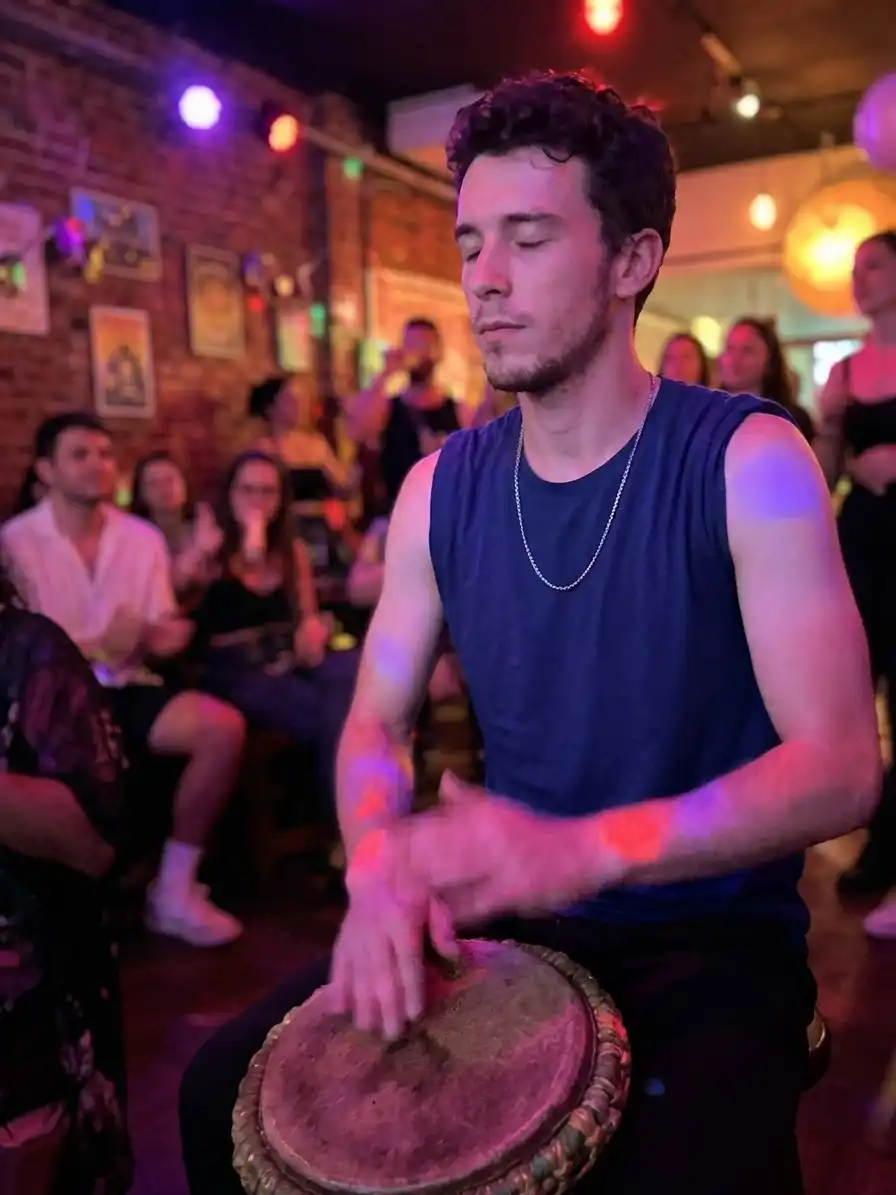
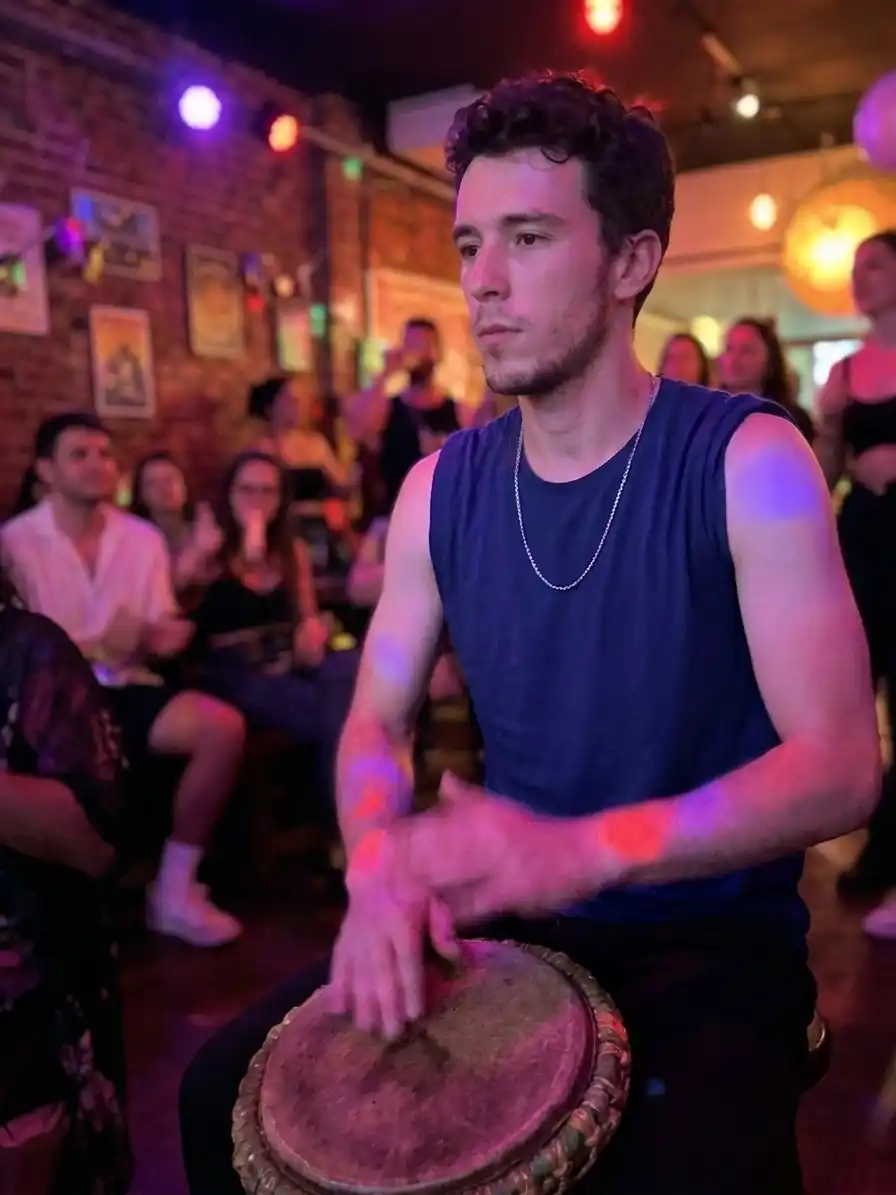
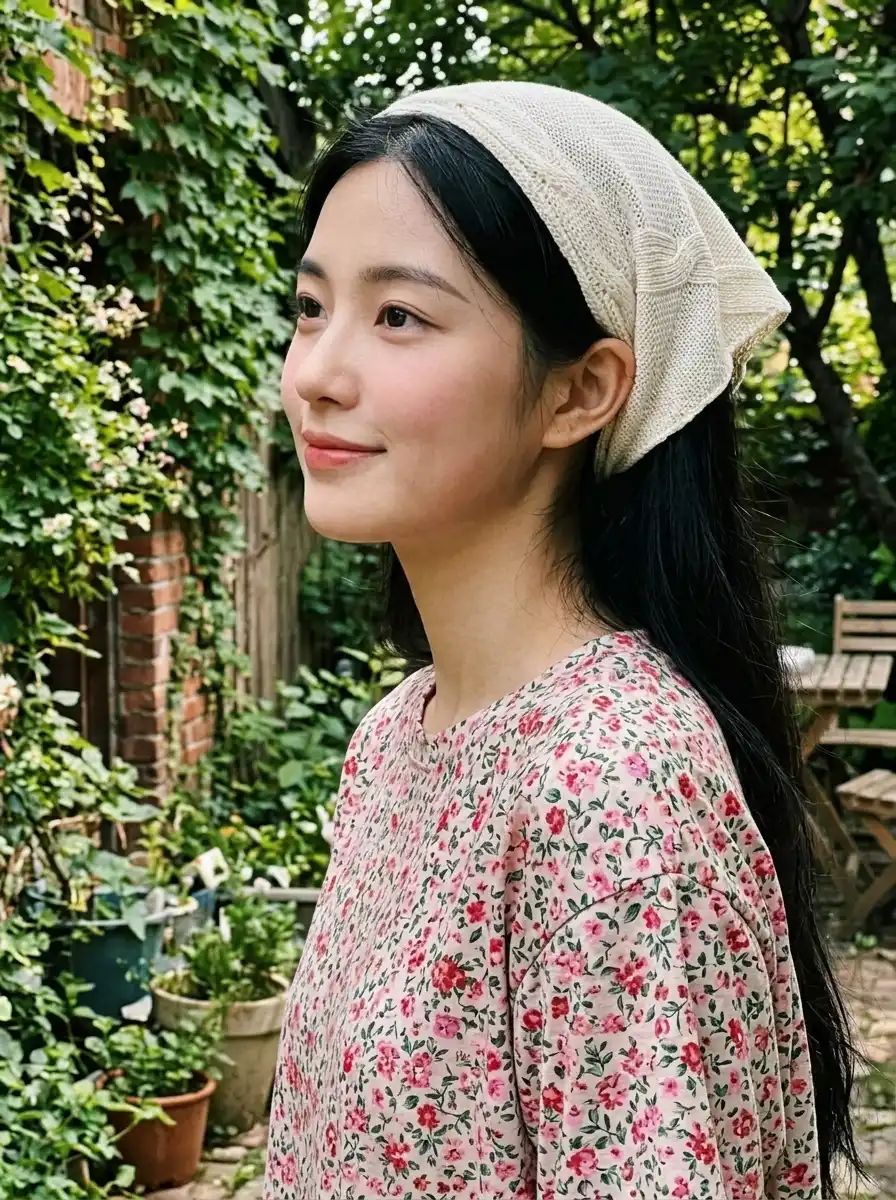
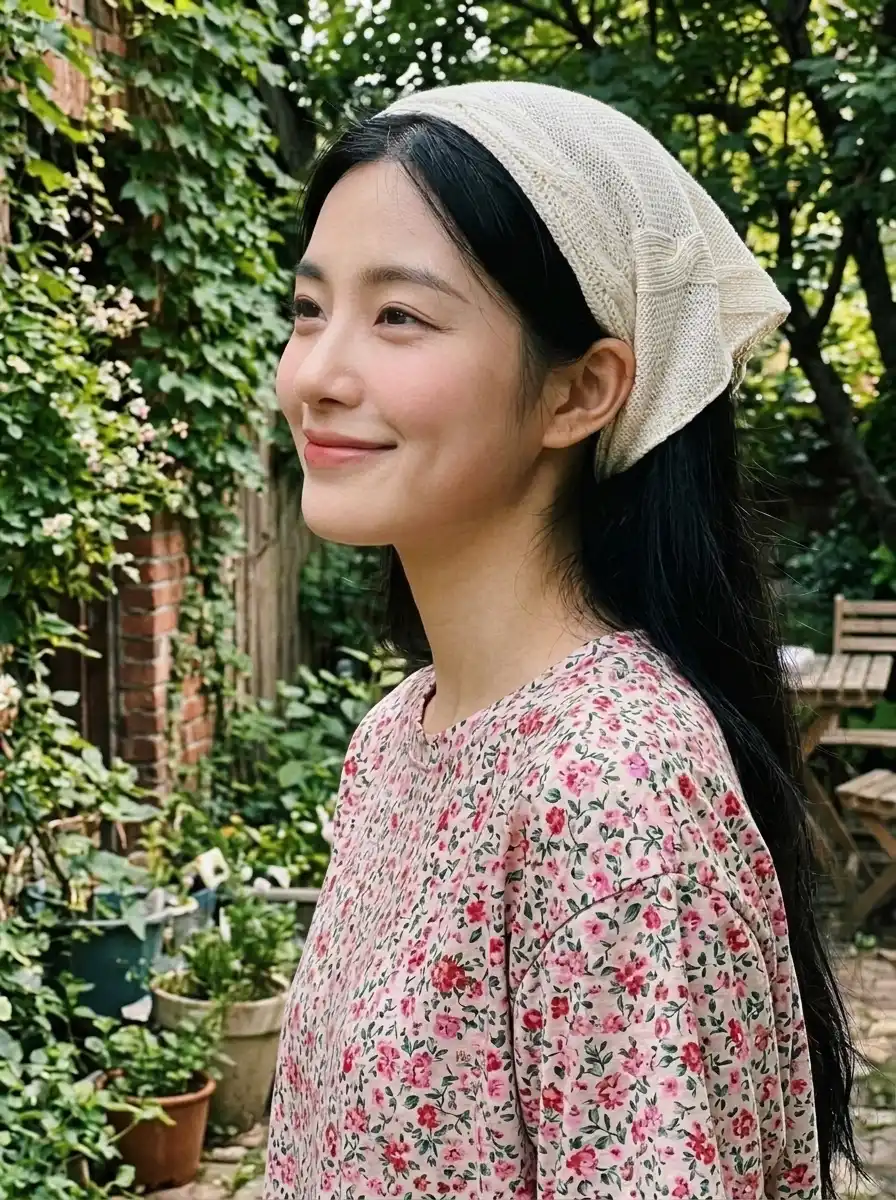
Some of the best photos are ruined by timing: someone blinked, the subject looked away, or a good outfit ended up in a stiff pose. Other photos are fine but need a different stance for a profile, a portfolio, or a campaign. Vismora's AI pose changer works on the photo you already have. Upload it, say what should change, and the model regenerates the subject in the new pose while the prompt asks it to keep the person, outfit, and setting recognizable.
The important caveat is that this is generative editing, not a hidden second shot. Whatever the original pose covered up has to be invented, and the result is a new image of that moment rather than a photograph of it. That trade-off works well for moderate changes and needs more care on extreme ones.
Fix a Blink in a Family or Group Photo
A group photo where one person blinked is the classic case. The composition, expressions, and light are all right except for one face, and reshooting the group is often impossible. Describe the person by position or clothing — "open the closed eyes of the boy on the left" — and review that face at full size. In wide shots, small faces give the model less detail, so the repaired eyes may be plausible rather than exact.
Look Toward the Camera in a Candid
Candid photos often catch someone mid-turn, looking at the floor, or gazing past the lens. Turning the head and gaze toward the camera can rescue the frame without changing the body, the background, or the mood of the shot. This is one of the safer edits because most of the image stays untouched; the model mainly needs to rebuild the eye area and the side of the face that comes into view.
Adjust Posture for Profiles and Portfolios
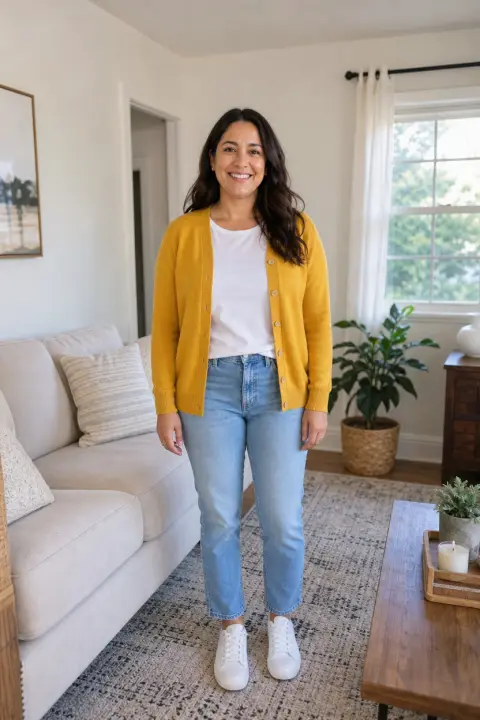
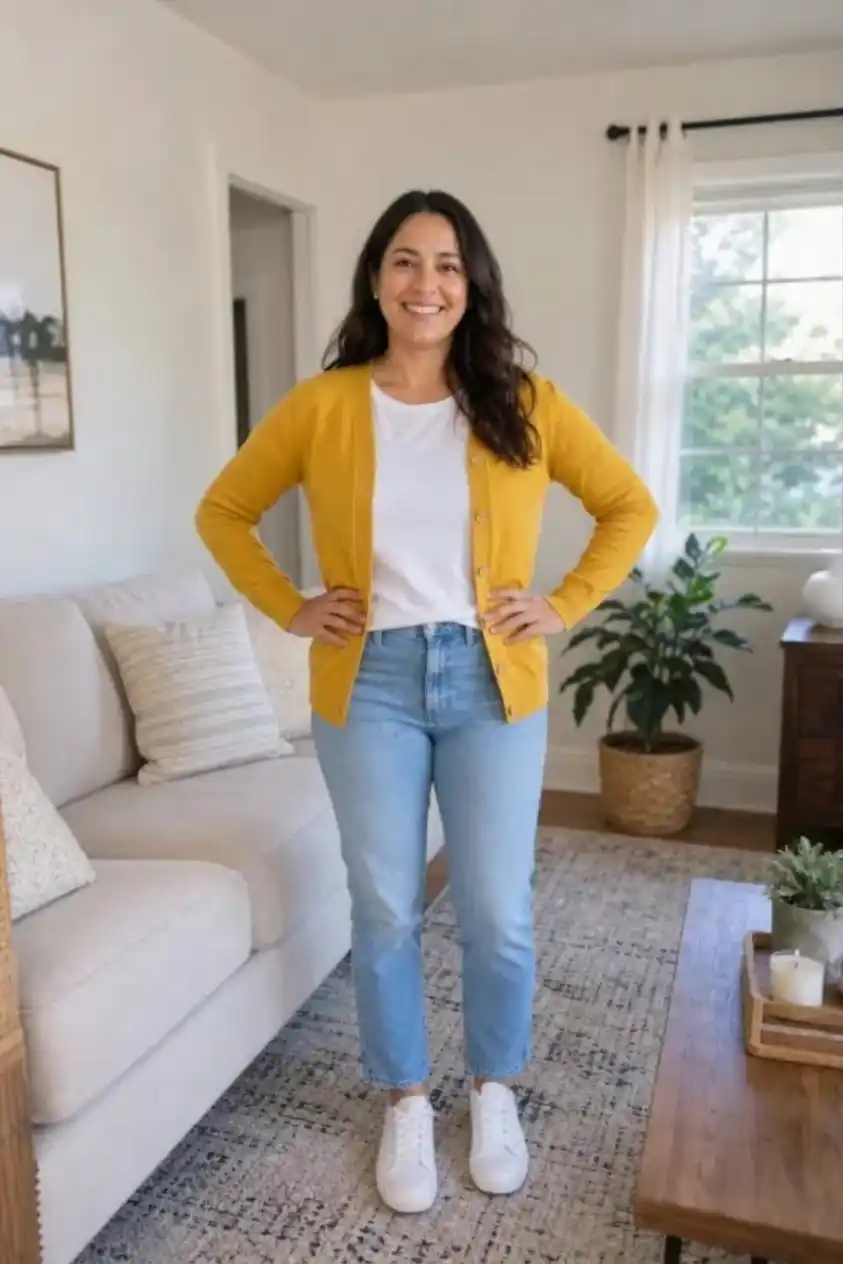
A profile picture or portfolio image can be technically sharp and still look awkward because of a stiff stance or arms held too close to the body. Changing to a relaxed standing pose, arms crossed, or hands on hips gives you a usable variant from the same session. For professional use, compare the edited version with the original and keep both — an editor or client may prefer the unedited frame.
Try Pose Variations for Creative and Product Shots
Creators and small brands often need several poses from one shoot. Instead of booking another session, generate variants from a single clean frame: standing, seated, arms crossed, or a slight turn. Keep the request modest per generation and review hands, feet, and contact shadows, which are where AI pose edits most often show themselves.
Pose Changes You Can Describe
The prompt box accepts plain language. Specific instructions that name the person, the body part, and the direction work better than broad requests like "make it look better".
| Goal | Example instruction |
|---|---|
| Open eyes | "Open the closed eyes of the woman in the blue dress and keep the same smile." |
| Change gaze | "Turn his head to look at the camera without changing his body pose." |
| Soften expression | "Change the expression to a relaxed, natural smile, keeping the eyes and head angle." |
| Change stance | "Have her stand naturally with her arms relaxed at her sides." |
| Change arm position | "Put his hands on his hips with correct fingers and elbows." |
| Seated pose | "Change the pose to sitting on the chair, keeping the same outfit and room." |
In group photos, name the subject explicitly. "Open the eyes of the person on the right" is safer than "open the eyes", which may cause the model to edit every face in the frame.
Tips for a Natural-Looking Pose Change
- Change one thing per pass. A head turn plus a new stance plus a new expression in one prompt makes it harder to tell which part drifted.
- Protect what must stay. State that the face, hairstyle, outfit, background, lighting, and camera angle should remain unchanged.
- Start with the body visible. For a body change, the arms, legs, and torso you want to move should be in frame and not hidden behind other people or objects.
- Keep the camera angle. Asking for a new pose from a different viewpoint in the same edit forces the model to rebuild the whole scene, which increases drift.
- Regenerate instead of stacking edits. If a hand or joint looks wrong, go back to the original photo and adjust the instruction rather than editing the edited result.
- Check the small parts. Hands, fingers, feet, ears, and the edges where the body meets the background are the first places to inspect at 100% zoom.
- Keep the original file. Keep the untouched photo alongside the edit, especially for portfolios, client work, and anything that may need an unedited version later.
What an AI Pose Change Cannot Guarantee
Pose editing is probabilistic. The model can produce a convincing new stance on one pass and break a finger, twist a knee, or change the shape of the jaw on the next. Large changes — jumping, deep crouches, crossed limbs, or poses that overlap other people — are the least reliable because much of the body has to be invented. Occluded hands and complex backgrounds make it harder to blend new shadows and contact points.
Identity can drift as the body changes. Small expression and eye edits usually preserve likeness well; a full-body reposition gives the model more freedom to reinterpret the face and proportions. The result is also a generated image, not evidence of what actually happened, so do not present it as an untouched photo or use it where an official document requires an unedited image.
If a face in the result comes out soft, the face unblurring tool can sharpen it. For portraits where eyewear, not pose, is the problem, use the glasses remover. And if you are building a family or memorial photo, the add pet to photo tool follows the same one-photo editing workflow.