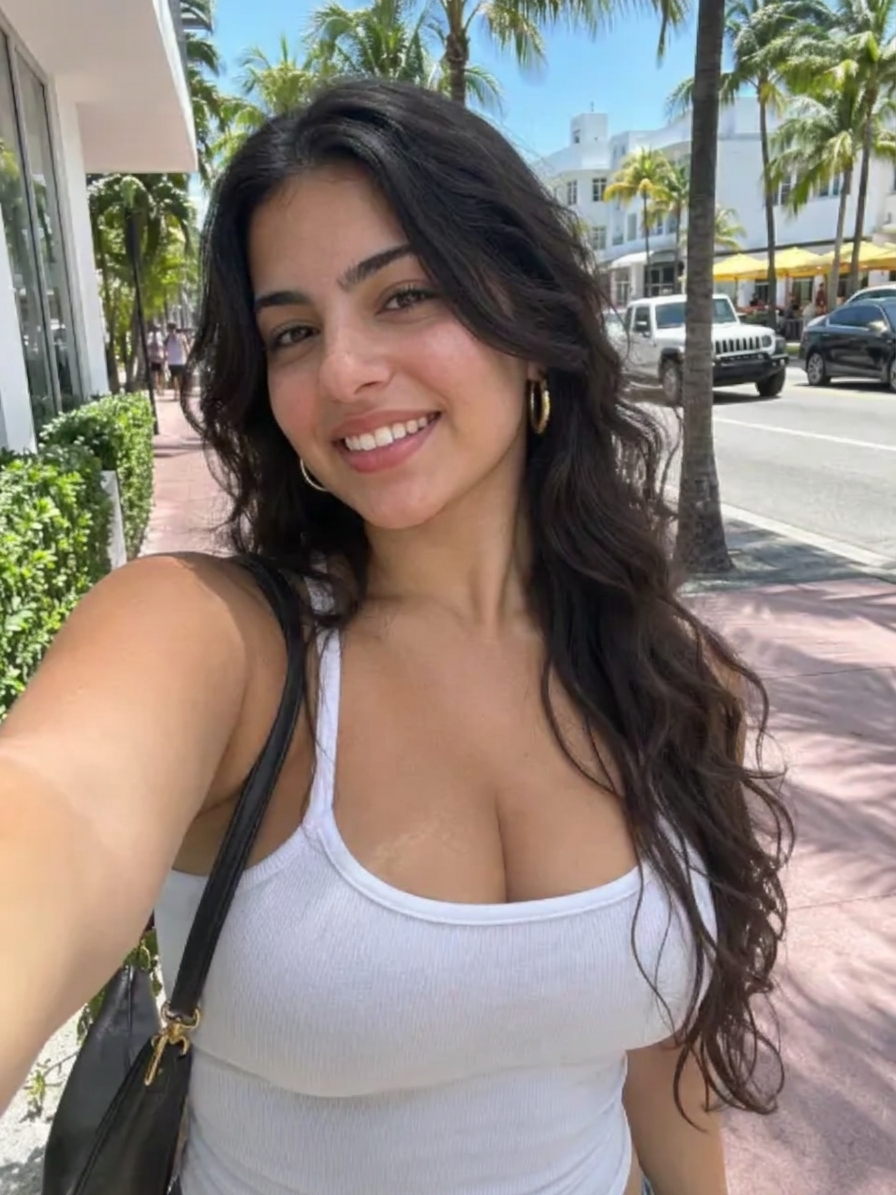
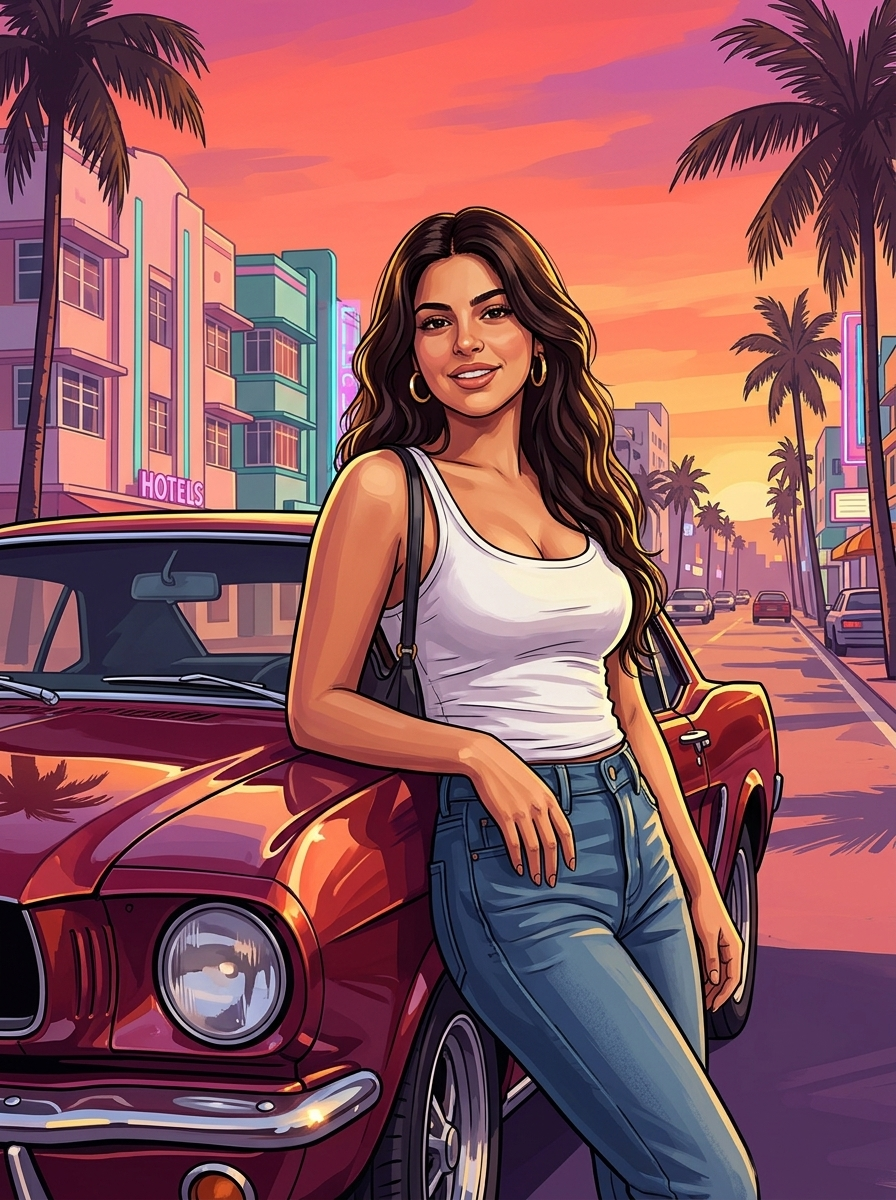
GTA 6 Filter
Turn a photo into a GTA VI-style loading-screen illustration — muscle car poster, five-star chase, Vice City neon, or couple cover art.
Explore this effectVismora Photo Effects
Turn an ordinary photo into something worth posting. Vismora's AI photo effects redraw your picture in a complete art direction — a game-style loading screen, a neon night, a comic cover — while keeping your face and outfit recognizable.
How photo effects work
Upload one photo: a clear face gives the illustration the most to work with.
Pick an art direction: each effect is a complete scene — pose, setting, lighting, and style.
Review the result: stylization moves faces, so compare at full size before posting.
Before and after
Ordinary photos redrawn in a complete art direction. The person stays recognizable; the scene, pose, and rendering are rebuilt. Review the full-size result before posting.
Turn a photo into a GTA VI-style loading-screen illustration — muscle car poster, five-star chase, Vice City neon, or couple cover art.
Explore this effectPhoto effect tools
Each effect applies a different art direction to your photo. Start from a clear, well-lit picture, pick the scene you want, and review the result at full size before sharing it.
How to choose
The illustration's likeness is only as good as the reference photo. Well-lit, front-facing, unobstructed.
Each effect is a complete scene. Mixing instructions lands between two styles instead of committing to one.
If the face drifted or the scene is off, run it again. Likeness comes from good references and retries.
Fan-style effects are for personal use. Check IP implications before commercial publishing.
Questions
AI photo effects redraw or restyle a normal photo with a generative model: the whole frame is repainted in a chosen art direction — an illustration style, a scene, a lighting mood — instead of applying a static overlay. The person or subject stays recognizable while the background, pose, and rendering change.
A regular filter adjusts the pixels you already have: color grading, contrast, a vintage tint. An AI effect regenerates the image — the scene is rebuilt around the subject, so a street selfie can become a game-style poster on a neon boulevard. The result is an illustration of you, not a filtered photograph.
Usually recognizable, not identical. The prompts instruct the model to preserve facial structure, skin tone, hairstyle, and visible clothing, but stylization always moves the face somewhat. Compare the result with your original at full size and regenerate if the likeness drifted too far.
Check the specific style and any brands it references. Fan-style effects inspired by games or movies are intended for personal use like profile pictures, wallpapers, and social posts; for commercial publishing, review the image and the style's IP implications before using it.